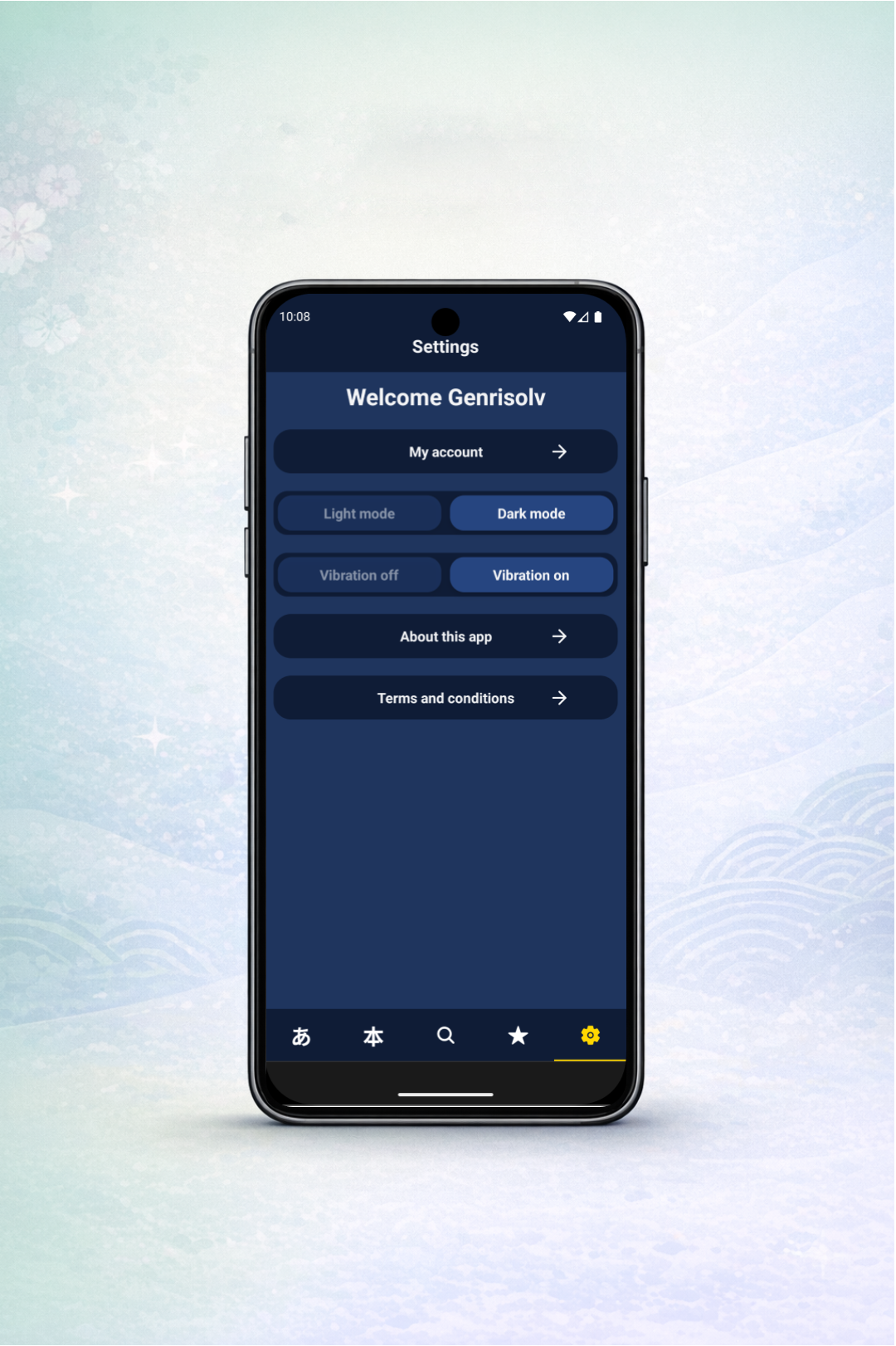
Step 1: Open Settings
From the app home screen, tap the settings icon in the bottom navigation and open the Settings page.
Follow these steps inside Kanjirisolv to delete your account.
From the app home screen, tap the settings icon in the bottom navigation and open the Settings page.
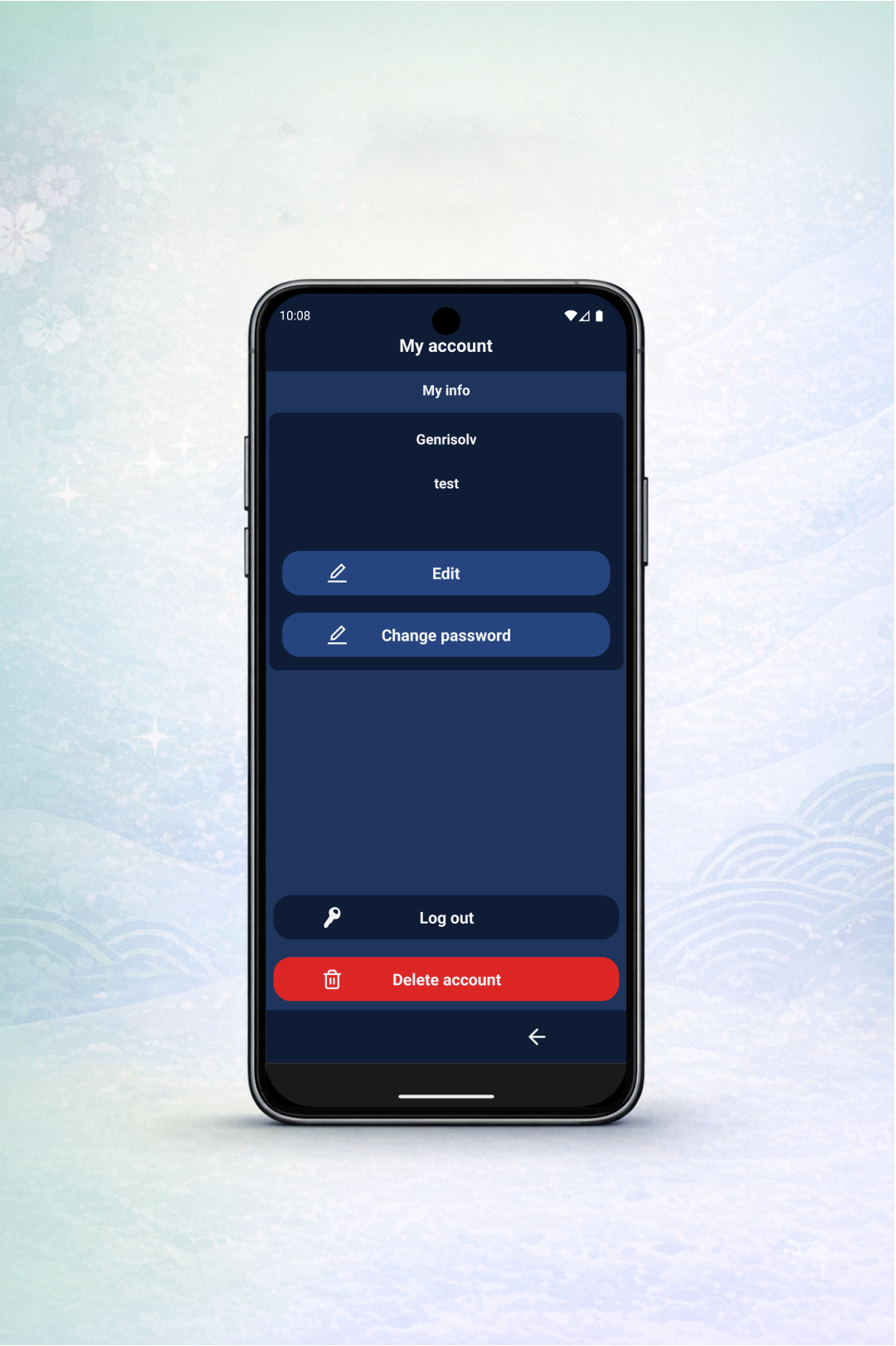
Tap "My account" and press the red "Delete account" button.
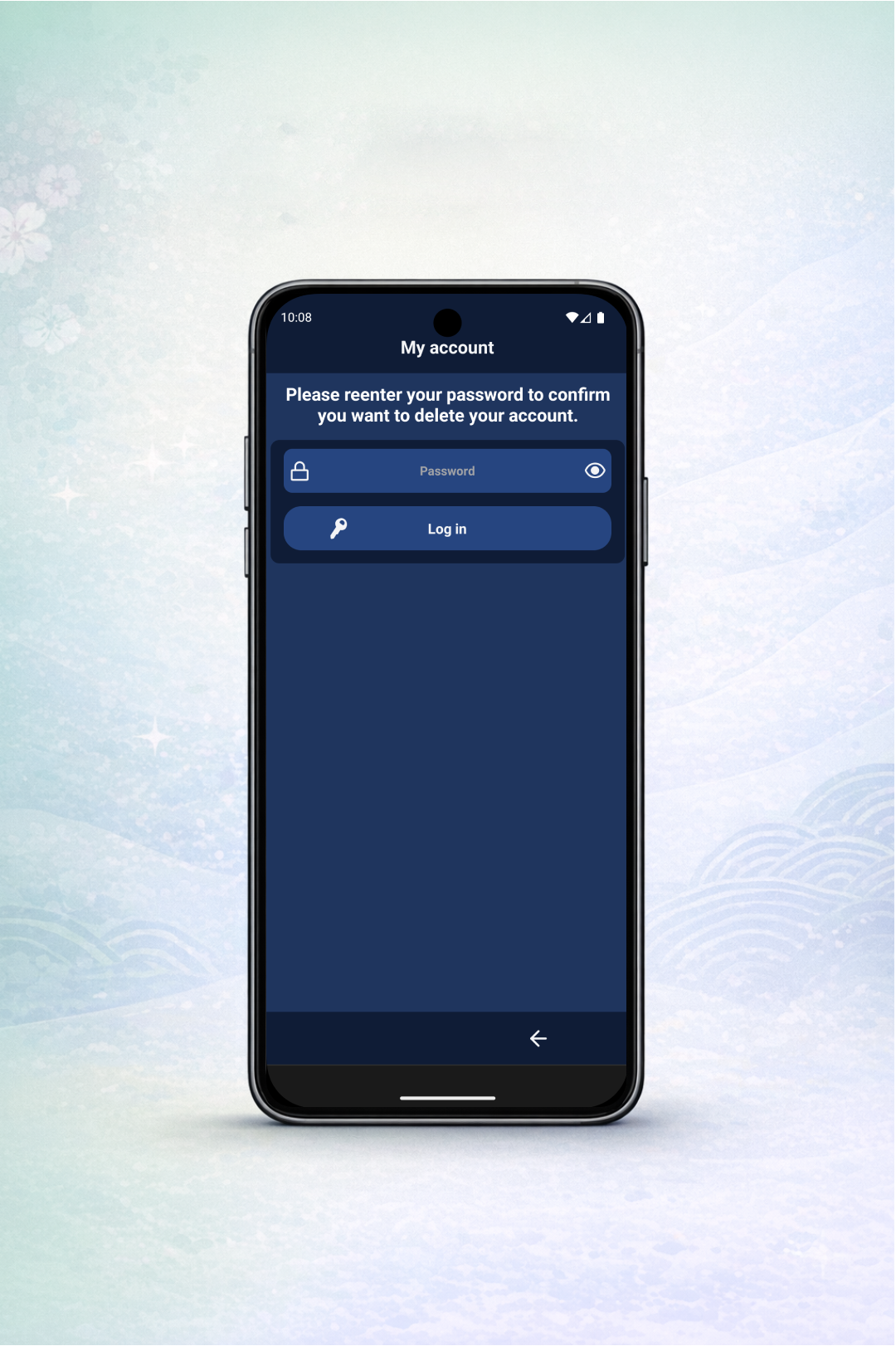
For security, re-enter your password in the confirmation form so only the account owner can continue.
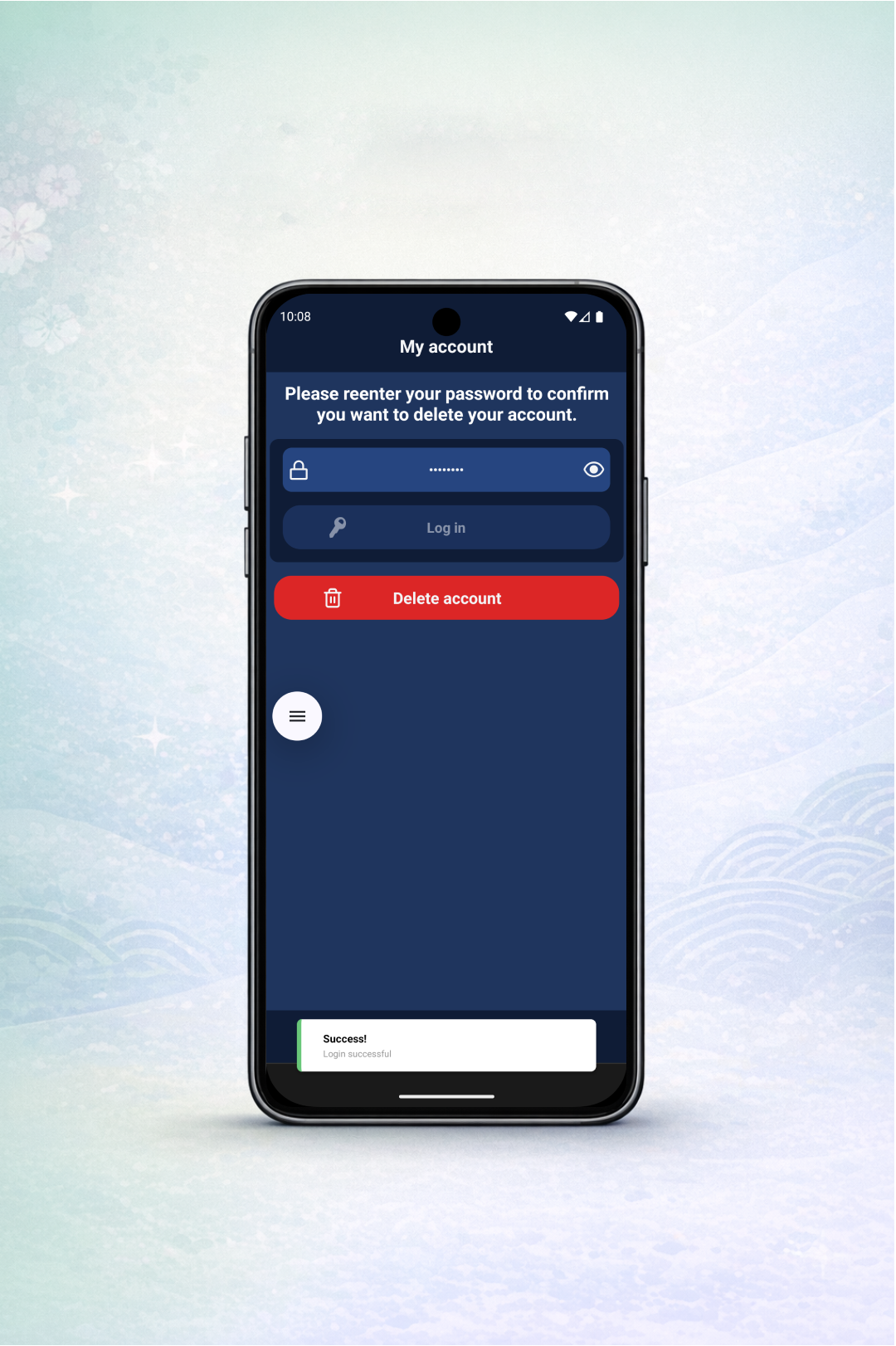
After password validation, the deletion action becomes available. Tap "Delete account" to continue.
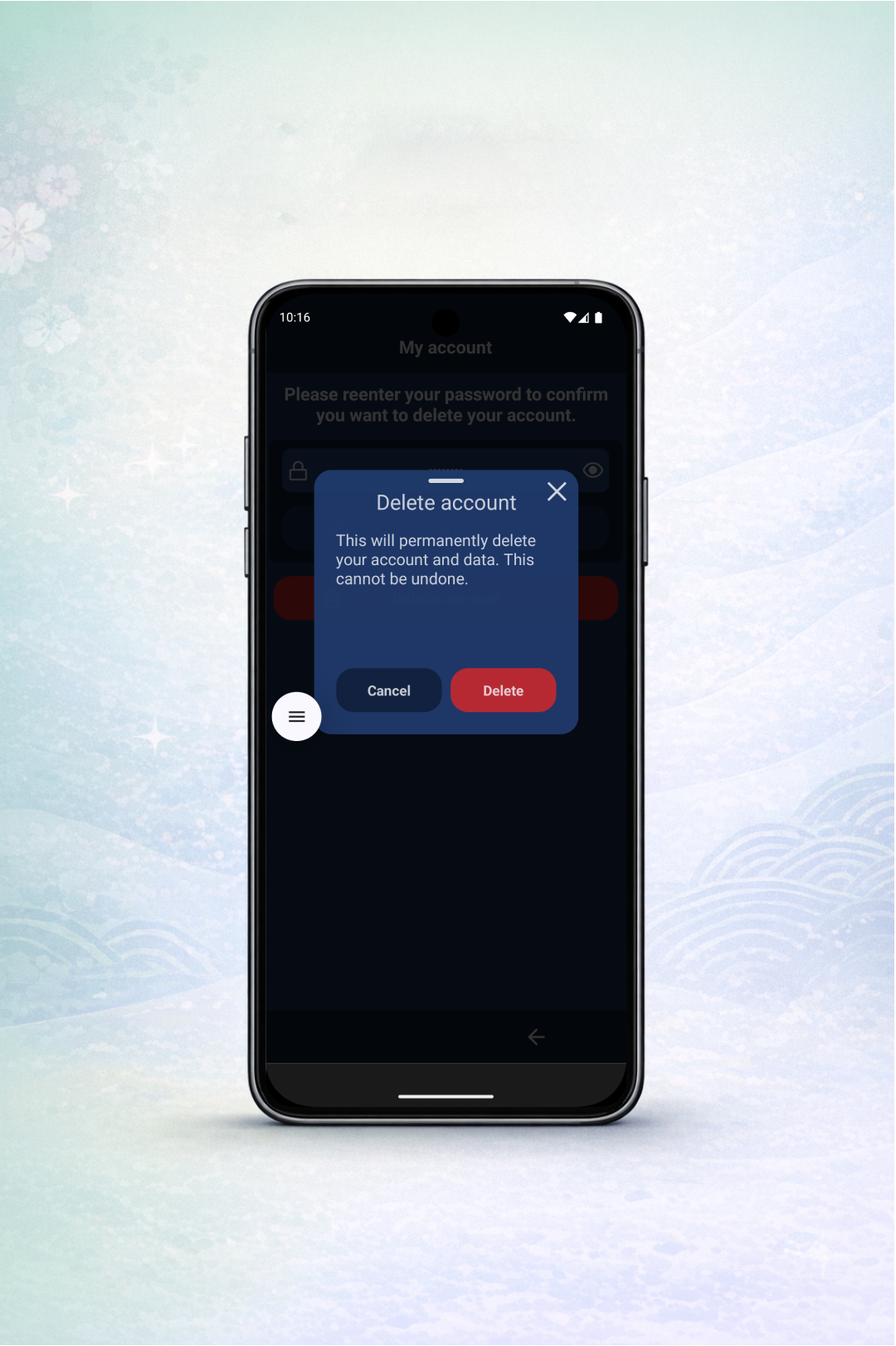
Review the warning message carefully, then tap "Delete" to permanently remove your account and its data.